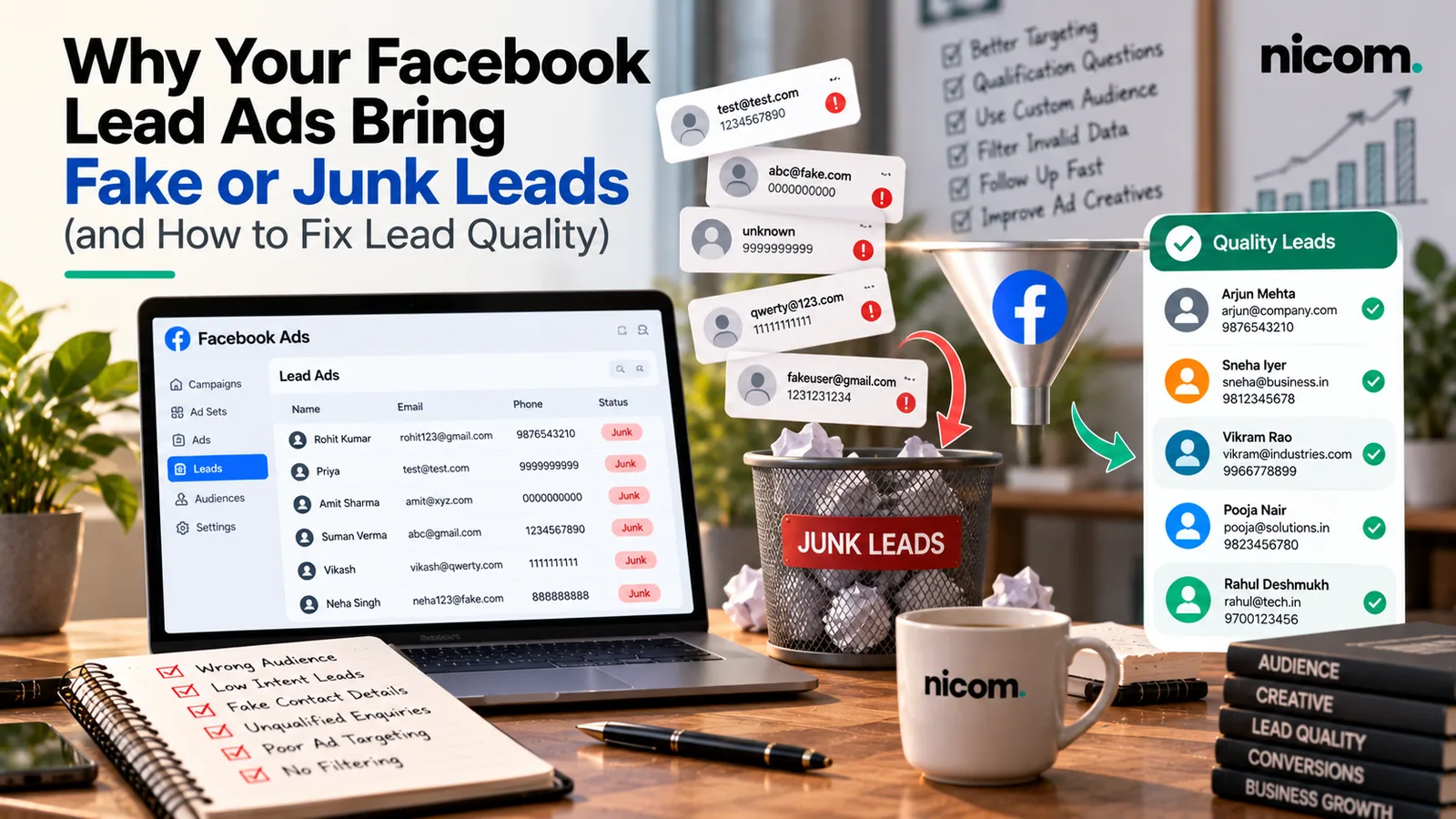
Short answer: Facebook and Instagram lead ads bring junk leads mainly because the form is too easy to submit and Meta’s system is optimising for form fills, not for customers. To fix it: switch to a Higher Intent form, add two or three qualifying questions, tighten your targeting and offer, call or WhatsApp every lead within minutes, and, once you have the volume, send lead outcomes from your CRM back to Meta so it learns what a good lead looks like.
Fake leads from Facebook ads are one of the most common complaints we hear from Indian business owners. If your sales team keeps saying “the number is switched off”, “they don’t remember filling the form” or “they just wanted the price”, this guide is for you.
Why lead ads attract poor-quality leads
1. The form is pre-filled and takes one tap
Meta auto-fills name, phone number and email from the user’s profile. That’s great for volume, but it means people can submit without really reading. Accidental taps, curiosity clicks and people who will never answer are all part of the mix.
2. The algorithm is doing exactly what you asked
If your campaign is set to optimise for leads, Meta will find people who are most likely to submit forms. Some people submit lots of forms. That is not the same as people who are most likely to buy from you.
3. The offer is too broad or too generous
“Free consultation”, “Get price list” or “Win a gift” attract people who want the freebie. The broader and cheaper the ask, the more casual the leads.
4. Targeting is too wide, or placements are uncontrolled
Automatic placements and very broad audiences can deliver cheap leads from people who don’t match your location, language or customer profile.
5. Follow-up is slow
This is the most common cause we see. A lead that was warm at 11 am is cold by evening. Many “fake” leads are real people who simply forgot by the time someone called.
Fixes inside Meta Ads Manager
Use a Higher Intent form
By default, lead forms are optimised for volume. Meta’s developer documentation on lead forms describes a Higher Intent setting that adds a step where the person reviews and confirms their answers before submitting. You’ll usually get fewer leads, but more of them will be deliberate. The same documentation also lists an option to filter out organic leads, so you only collect leads from people you targeted.
Add qualifying questions
Two or three short questions filter out a surprising number of time-wasters and help your team prioritise. Good examples for Indian businesses:
- Location: “Which city or area are you in?” (multiple choice, with only the areas you serve)
- Timeline: “When are you planning to start?” (This month / In 1–3 months / Just exploring)
- Requirement or budget band: “Approximate budget?” or “What do you need?” with clear options
- For B2B: “Company name” and “Your role”, or “Monthly quantity required”
Use multiple-choice answers where possible. They’re easy to answer on mobile and easy to sort.
Make the offer specific
Instead of “Get a free quote”, say what happens next: “Get a site-visit quote for modular kitchens in West Delhi” or “Request the price sheet for industrial lubricants (dealers only)”. Specific offers attract specific people.
Control targeting and placements
- Restrict locations to where you actually serve, and check the location setting targets people who live in or are in the area, as needed.
- Review placement performance after the first couple of weeks and exclude placements that produce leads your team can never reach.
- Exclude existing customers and recent leads using custom audiences to avoid paying twice.
Consider click-to-WhatsApp or website forms
For some businesses, sending people to a WhatsApp chat or a landing page form (rather than an instant form) produces fewer but better conversations, because the person has to take a deliberate step. Test it against your current form rather than assuming.
Fixes in your follow-up process
Respond within minutes, not hours
Set up instant alerts so leads reach the right person immediately. An automatic WhatsApp message the moment someone submits (“Hi, thanks for your enquiry about…, our team will call you from this number shortly”) reminds them who you are and opens a conversation. Our lead management set-ups route each lead to a named salesperson with a follow-up reminder.
Use a consistent calling script
Start by reminding them of the ad and what they asked for. Confirm two or three qualification points. Agree a clear next step. Log the outcome.
Try more than once
A single unanswered call doesn’t make a lead fake. A short sequence works better: call, WhatsApp, call again later that day, a final message the next day.
Record the outcome for every lead
Use a simple status for every lead: Not reachable, Not relevant, Qualified, Meeting/visit booked, Won, Lost. Without this data, you’re guessing which ads work.
Teach Meta what a good lead looks like
Once your team is recording lead stages in a CRM, you can send that information back to Meta. Meta’s Conversions API for CRM integration documentation explains that this can be used with the Conversion Leads performance goal so delivery is optimised towards leads more likely to convert, rather than just more form fills.
It isn’t for every business yet. Meta’s own guidelines suggest the model fits best when you:
- Use Facebook or Instagram lead ads (instant forms)
- Generate at least 200 leads per month
- Can upload data at least once a day
- Have a target lead stage that typically happens within 28 days of the lead
- Have a conversion rate to that stage of between 1% and 40%
If you’re below those levels, you still benefit from tracking stages: you can compare ads, audiences and forms by qualified lead rate and move budget accordingly.
How to tell whether leads are “fake” or just unqualified
| What you see | Likely cause | What to try |
|---|---|---|
| Wrong or switched-off numbers | Accidental or careless submissions | Higher Intent form, faster follow-up, WhatsApp first message |
| “I didn’t fill any form” | Pre-filled one-tap forms, slow follow-up | Call within minutes, mention the ad and offer clearly |
| Outside your service area | Broad location targeting | Tighten locations, add a city question |
| “Just wanted the price” | Offer is price-led | Show a price range in the ad or form, qualify by need |
| Real people, wrong fit | Audience too broad, message too generic | Specific offer, qualifying questions, exclude poor placements |
Is it time to change platforms?
Sometimes the issue isn’t the form but the channel. If your product is something people actively search for, Google Search may give fewer but more ready-to-buy enquiries. Our comparison of Google Ads vs Meta Ads for lead generation in India walks through that decision. Meta also works well as a retargeting channel for website visitors (see our guide to retargeting for small businesses in India).
Frequently asked questions
Why are my Facebook leads not picking up calls?
Common reasons are slow follow-up, unclear caller identity and accidental submissions. Call within minutes, send a WhatsApp message first so they recognise you, and use a Higher Intent form.
Do Higher Intent forms reduce the number of leads?
Usually yes, because of the extra review step. The aim is to get more leads your team can actually convert, so judge it by qualified leads, not total leads.
How many questions should a lead form have?
Two or three qualifying questions on top of contact details is a good balance for most businesses. More than that can reduce completion sharply.
Can I block leads from outside my city?
Restrict location targeting to your service areas and add a multiple-choice city or area question. Then filter or deprioritise anything outside your list.
Do I need a CRM to fix lead quality?
You can start with a shared sheet. As volume grows, a CRM makes fast assignment, reminders and reporting much easier, and it’s needed to send lead stages back to Meta. See our guide to choosing a CRM for small businesses in India.
Want better leads, not just more leads?
Send us a sample of your recent leads (with personal details removed) and your current form set-up. We’ll tell you what’s going wrong and what to change first. Explore our lead generation and Meta Ads services, or contact us for a lead-quality review. You can find more practical guides on our Insights page.