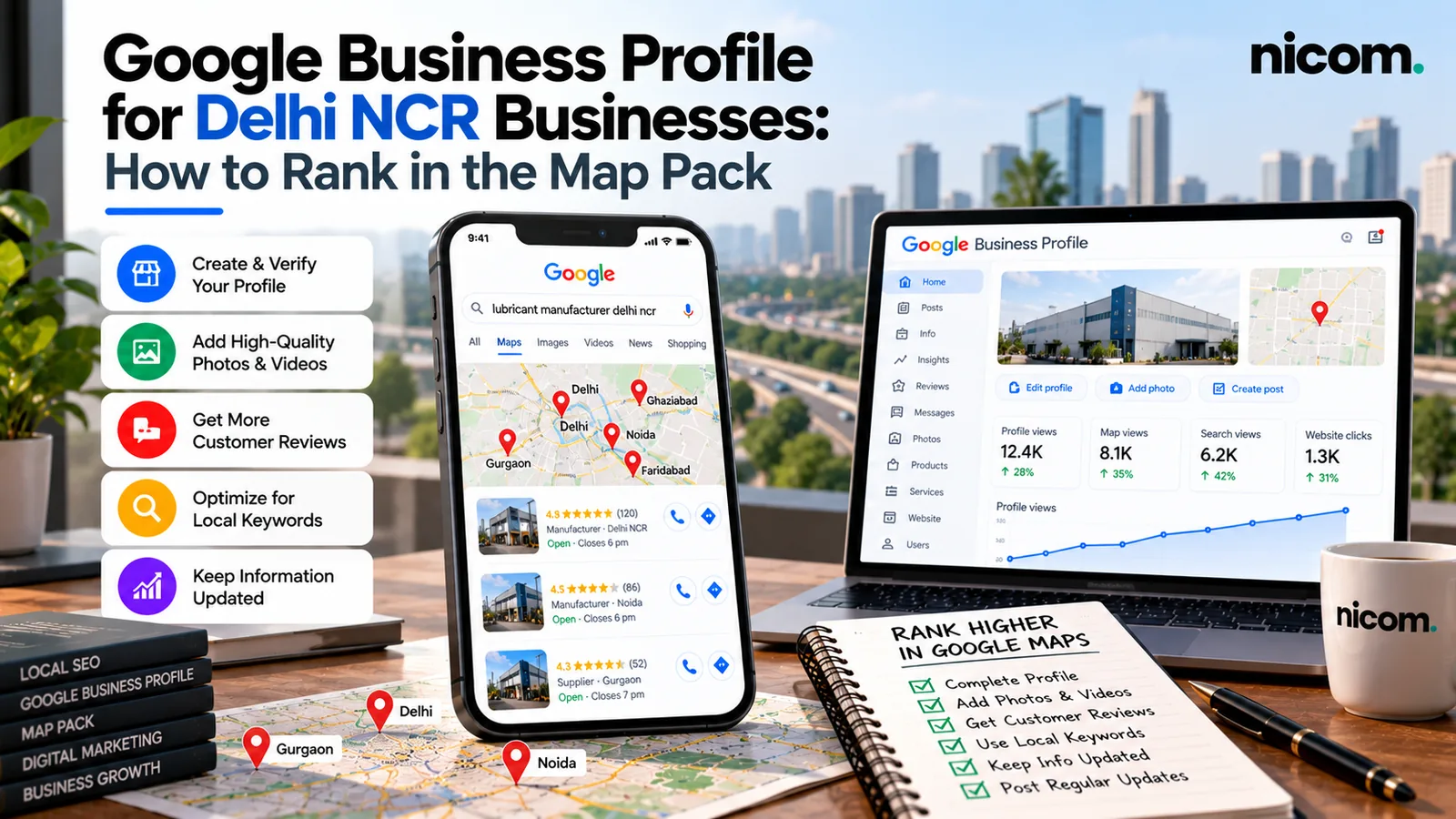
Short answer: to show up in Google’s map results for searches in Delhi NCR, verify your Google Business Profile, choose the right primary category, keep your name, address and phone number exactly the same everywhere, collect genuine reviews steadily, and back the profile up with a website that has a clear page for each service and area you serve. Google says local results are mainly based on relevance, distance and prominence. Everything below is about improving the two you can influence: relevance and prominence.
Good local SEO for Delhi businesses is mostly about getting the basics right and staying consistent. This guide is written for owners of shops, clinics, consultancies, showrooms, workshops and service businesses across Delhi NCR. (If you run a practice or advisory firm, see how we help professional services businesses.) We’ve used North Delhi localities (we’re based in Pitampura) as examples, but the same steps work from Dwarka to Noida.
How Google decides who shows up in the map pack
Google’s help article Tips to improve your local ranking on Google explains three main factors:
- Relevance: how well your profile matches what someone searched for. Complete, detailed information helps.
- Distance: how far you are from the searcher, or from the location in their search. You can’t change this, which is why someone in Rohini searching “CA near me” may see different results from someone in Saket.
- Prominence: how well-known your business is. Google says this includes information such as links to your business and how many reviews you have, and that more reviews and positive ratings can help.
Google is also clear that there is no way to request or pay for a better local ranking. Be wary of anyone who offers to “buy” you a top spot on Maps.
Step 1: Claim, verify and get the basics exactly right
If you haven’t already, claim your profile at Google Business Profile and complete verification. Then check the basics carefully:
- Business name: use your real-world name as it appears on your signboard and stationery. Google’s guidelines for representing your business say your name should reflect how you’re consistently known in the real world. Adding keywords like “Best Dentist in Pitampura” to the name breaks the guidelines and can get a profile suspended.
- Address or service area: use your precise address if customers visit you. If you travel to customers (repairs, interior work, pest control), set a service area instead.
- One profile per business location. Duplicate profiles confuse Google and customers.
- Phone number and website: use a number your team actually answers, and link to the most relevant page of your site.
- Hours: keep them accurate, including festival and holiday changes. Wrong hours lead to bad reviews.
Step 2: Choose categories carefully
Your primary category is one of the strongest relevance signals. Pick the most specific option that describes your core business (“Ayurvedic clinic” rather than just “Clinic”, “Industrial equipment supplier” rather than “Store”). Google’s guidelines ask you to choose the fewest categories needed to describe your core business. Add secondary categories only if they are genuinely what you do.
Step 3: Complete every useful section
- Description: explain what you do, who you serve and which areas you cover, in natural language. Mentioning real localities you serve (for example Pitampura, Shalimar Bagh, Prashant Vihar, Rohini) is helpful when it’s true. Don’t stuff it with keywords.
- Services or products: list each one with a short description. This gives Google more to match against searches.
- Photos and videos: add real photos of your premises, team, products and work. Stock images don’t build trust.
- Attributes: wheelchair access, online appointments, parking and so on, where relevant.
- Posts: share offers, updates and new work occasionally. It keeps the profile active and gives customers a reason to choose you.
Step 4: Build a steady flow of genuine reviews
Reviews influence both ranking and the customer’s decision. What works for most Delhi businesses:
- Ask at the right moment, right after a job is done or a customer says thank you.
- Make it one tap. Copy your review link from the profile and send it on WhatsApp with a short, personal message.
- Ask consistently, not in bursts. A steady stream of recent reviews looks more natural than fifty in one week.
- Reply to every review, good or bad. Thank people specifically. For complaints, acknowledge, apologise where needed and take the conversation offline.
- Never buy reviews or offer discounts in exchange for them. It breaks Google’s policies and can get reviews removed or the profile restricted.
If you send many review requests, a simple WhatsApp automation can do it for you after every completed order or appointment.
Step 5: Make your website support your profile
Your Google Business Profile and your website work together. Google uses information from across the web, including your own site, to understand your business. Make sure your website has:
- The same business name, address and phone number as your profile, ideally in the footer and on the contact page.
- A dedicated page for each main service, not one page listing everything.
- Location pages only where you genuinely serve an area, with useful local detail. Copy-pasted city pages with only the name changed don’t help.
- An embedded map and clear directions on the contact page.
- Fast loading on mobile and a visible call or WhatsApp button.
If your current site can’t do this easily, it may be time for a rebuild. Our guide to website development costs in Delhi explains what to budget, and our website design and development team builds sites with local SEO in mind from the start.
Step 6: Keep your details consistent across directories
Indian customers and Google both look at listings on platforms such as Justdial, Sulekha, IndiaMART, Facebook and industry directories. Make sure your business name, address and phone number match exactly everywhere. Old addresses and phone numbers from a previous office are a common problem in Delhi, where businesses move often. Clean them up.
Local SEO checklist for Delhi NCR businesses
| Task | Done? |
|---|---|
| Profile claimed and verified | ☐ |
| Real business name, no keyword stuffing | ☐ |
| Most specific primary category selected | ☐ |
| Accurate address or service area, phone, hours | ☐ |
| Description, services and products filled in | ☐ |
| At least 10 real photos uploaded | ☐ |
| Review request process in place (WhatsApp link) | ☐ |
| All reviews replied to | ☐ |
| Website shows the same name, address and phone | ☐ |
| One page per main service on the website | ☐ |
| Directory listings checked and corrected | ☐ |
| Calls, direction requests and website clicks tracked monthly | ☐ |
Common local SEO mistakes we see
- Profile created years ago by a former employee who still controls the login.
- Keyword-stuffed business names that eventually get suspended.
- A virtual office or co-working address used for a profile when customers can’t actually visit.
- Ignoring negative reviews instead of responding calmly.
- The website and profile showing different phone numbers.
Frequently asked questions
How long does it take to rank on Google Maps in Delhi?
It depends on your category, competition and how complete your profile already is. Fixing basics like categories and information can help fairly quickly. Building reviews and prominence takes months of consistent effort.
Can I rank in areas where I don’t have an office?
Distance is a factor you can’t control, so ranking in the map pack far from your address is hard. You can still rank in regular search results for those areas with genuinely useful service-area pages on your website.
Is Google Business Profile free?
Yes, creating and managing a Google Business Profile is free. Google states there’s no way to pay for a better local ranking.
Should I put keywords in my business name?
No. Use your real-world business name. Adding keywords goes against Google’s guidelines and risks suspension.
Do posts on Google Business Profile help?
Posts help keep your profile fresh and give customers useful information like offers and updates. Treat them as a customer-facing tool rather than a ranking trick.
Want more calls from Google Maps?
We help Delhi NCR businesses clean up and grow their local presence: profile, reviews, website pages and listings. Learn more about our local and international SEO service, or send us your profile link for a free check. You can find more practical guides on our Insights page.